
Lenders may provide you with a private label link to sign into your Appraisal FirewallX directly. From the Sign In page, enter your Appraisal FirewallX Username and Password, then select the Sign In button. 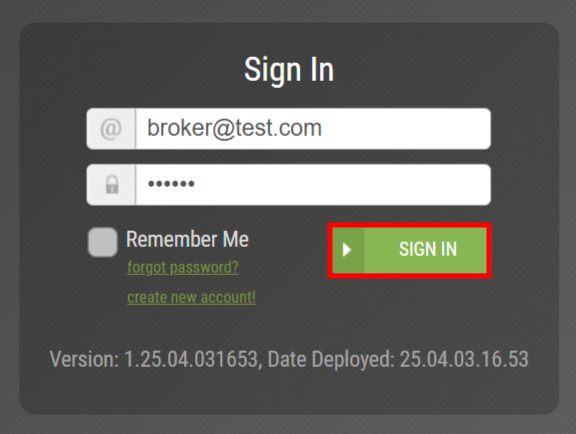
Upon logging into your account successfully, you will be presented with the main dashboard. This is where you can find the orders within your pipeline, take action on orders, etc. 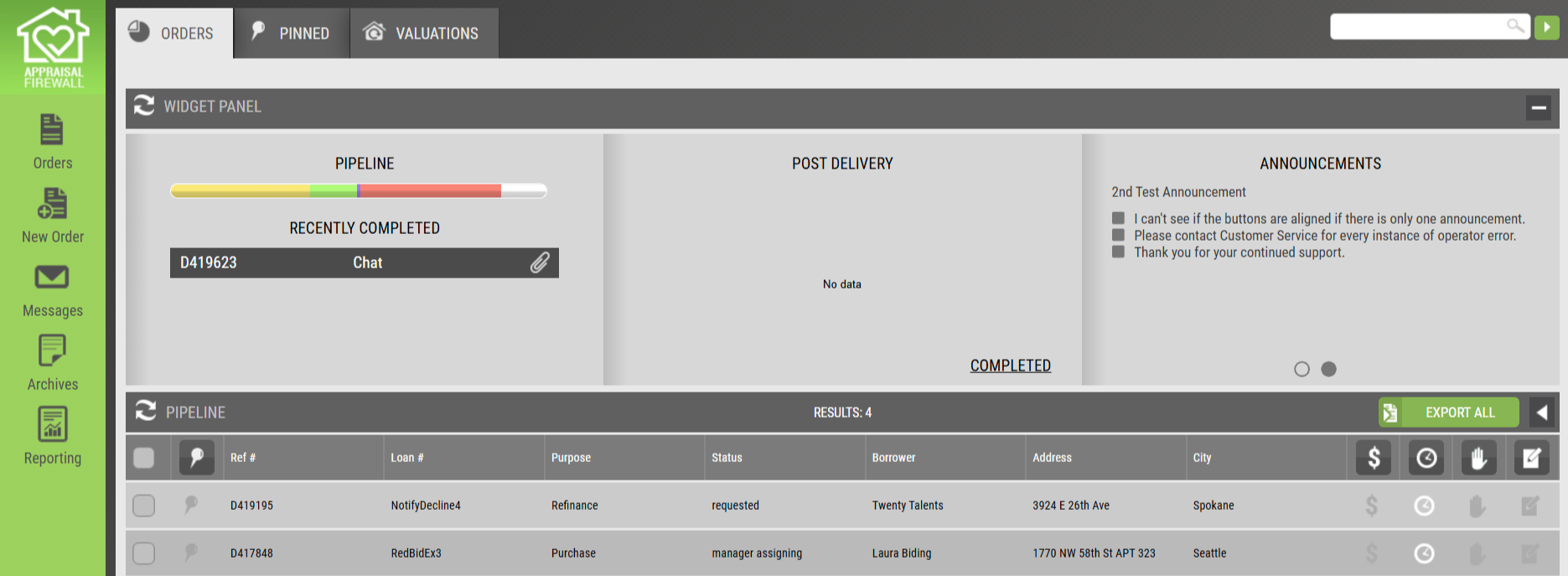
For more information about the main dashboard, please refer to our Dashboard Features guide.